
Is Rippling the Right All-in-One HR Platform for Your Business?
Take This 2-Minute Quiz to Find Out!
Introduction: The AI Advantage – From Administrative Overload to Strategic Partner
In analyzing the HR technology landscape, it has become evident that many human resources teams are encumbered by administrative burdens and must navigate a fractured environment of disparate systems for payroll, benefits, and employee records.
While such operational inefficiency is a significant challenge, the greater risk resides in the compliance vulnerabilities and data integrity failures inherent in siloed processes. This is a critical distinction.
This guide on Rippling Tutorials and Usecase serves as a comprehensive resource for implementing Core HR and HRIS Automation with the necessary strategic, compliance, and security-focused perspective. For a broader overview of Rippling’s capabilities, explore our detailed Rippling Overview and Features guide.
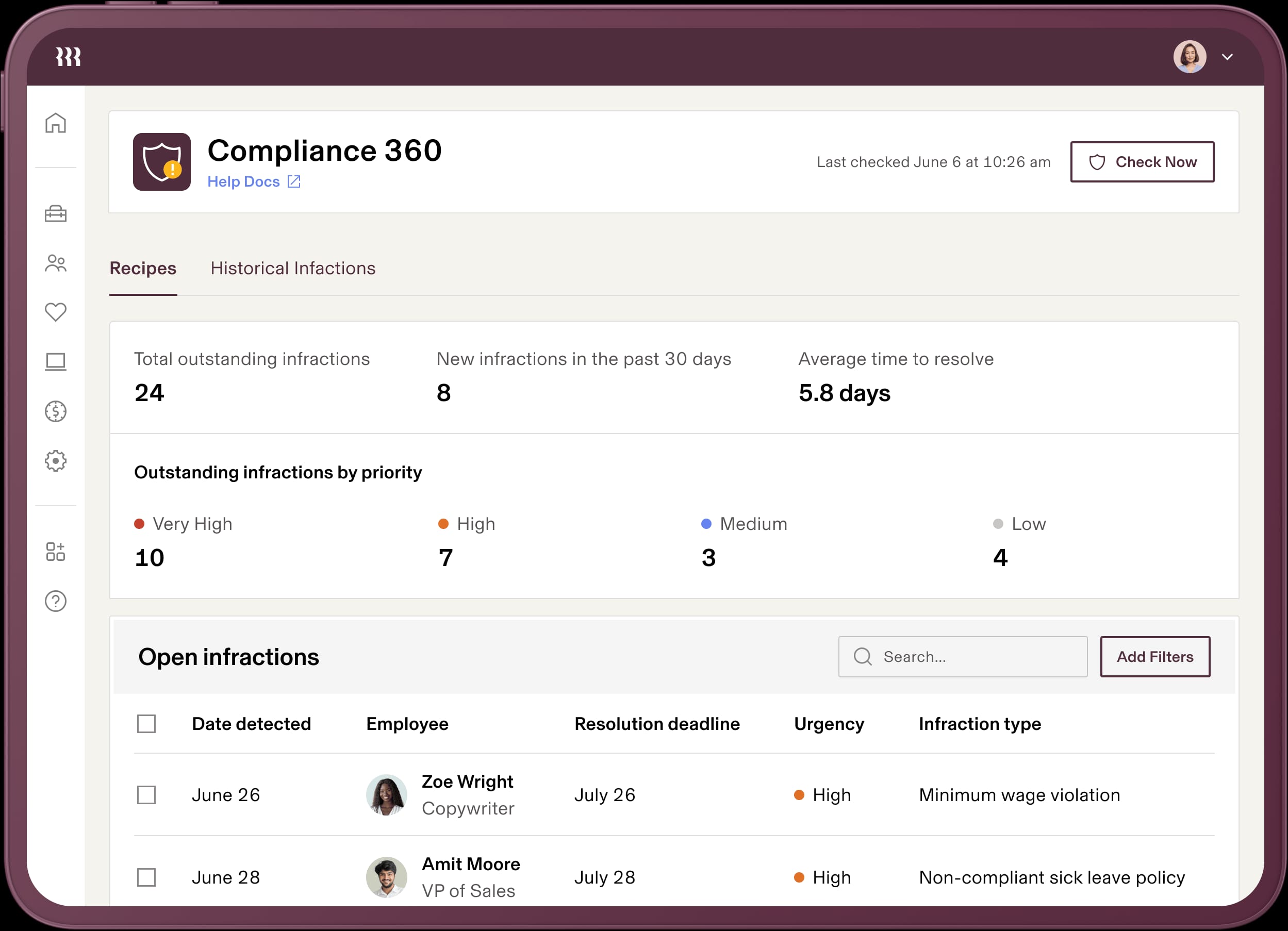
Rippling’s principal advantage lies in its Unified Data Model, a sophisticated architecture functioning as a single source of truth for workforce data.
When an employee’s information is modified in one module, this update propagates programmatically and instantaneously to all connected systems—payroll, benefits administration, IT app provisioning, and reporting—eliminating data redundancy and minimizing error potential.
Throughout this guide, we will demonstrate how this approach enables HR teams to reduce manual tasks, ensure payroll accuracy, and leverage data-driven insights for enhanced decision-making.
As we proceed, please note the inclusion of Professional Tips and Important Warnings, which distill real-world lessons learned from implementation experiences. These annotations will assist you in avoiding common pitfalls and maximizing Rippling’s value.
Key Takeaways
- Efficiency Gains: Rippling’s Unified Data Model significantly reduces manual onboarding and payroll data entry by eliminating redundant input across HR and IT systems. While precise time savings vary by organization, many teams report substantial efficiency improvements through workflow automation and data synchronization.
- Workflow Automator: Use this tool to design multi-step, conditional approval workflows, such as for promotions or pay changes. This not only enhances process consistency but also creates an immutable audit trail critical for governance and compliance.
- Security Best Practice: Implement Rippling’s Role-Based Access Controls (RBAC) meticulously—apply the principle of least privilege by restricting data access to only what is necessary per role. For example, an HR Coordinator should not have access to executive compensation data. This remains your strongest defense against insider threats and data leakage.
- Payroll Error Prevention: Leverage the AI-driven payroll anomaly detection that proactively flags irregular payments prior to execution, preventing costly errors and costly compliance penalties.
Our Testing Methodology for AI Tools For HR and Recruiting
After analyzing over a hundred AI tools in the HR and Recruiting space and conducting extensive real-world testing of Rippling Tutorials and Usecase in 2025, the team at Best AI HR Source employs a comprehensive 10-point technical assessment framework recognized by industry professionals and cited in leading publications.
This framework comprises:
- AI-Powered Feature Analysis: Evaluating the practical effectiveness of AI functionalities under real workloads.
- User Experience (Admin and Employee): Assessing usability for HR administrators and employee self-service portals.
- Integration & API Quality: Reviewing synchronization capabilities with core HRIS and other enterprise software.
- Data Security & Compliance: Verification of certifications such as SOC 2 Type II, and compliance with privacy regulations GDPR and CCPA (Note: Rippling is not currently ISO 27001 certified).
- Pricing & Return on Investment (ROI): Analyzing pricing models alongside projected efficiency and risk mitigation benefits.
- Vendor Reputation & Support: Assessing organizational stability and support responsiveness.
- Implementation & Scalability: Evaluating ease of deployment and adaptability for growing organizations.
- Reporting & Analytics: Testing depth and usability of reporting, including custom and equity reports.
- Workflow Automation: Constructing and trialing custom workflows for flexibility and power.
- Bias Mitigation & Fairness: Investigating AI transparency and bias reduction features where applicable in recruiting.
This structured approach empowers you to rigorously evaluate Rippling’s fit within your own organizational context. For in-depth analysis of Rippling’s features and performance, check out our comprehensive Rippling Review.
Section 1: Foundation – Mastering Rippling’s Unified Data Model
To leverage Rippling effectively, you must first understand its foundational architecture: the unified data model, which operates as a single source of truth by storing each piece of employee data once and programmatically propagating it across all system modules.
This architecture ensures that a singular change—such as a salary adjustment in an employee’s profile—automatically updates payroll, benefits, time tracking, and IT provisioning modules with absolute consistency.
Organizations that invest adequate time and effort in precisely defining their company’s roles, departments, job titles, and work locations during initial setup lays a crucial groundwork for scalable and compliant automation.
This deliberate foundational work enables your HR ecosystem to support growth from dozens to thousands of employees without process degradation or data integrity loss.
Important Warning: Errors in foundational data attributes—especially inaccurate work locations—can cascade into incorrect tax calculations, payroll misfilings, and compliance violations. Such mistakes expose your organization to financial risk and potential audits. Rigorous validation of this data with your finance and legal advisors is strongly recommended.
Estimated time investment: 30 minutes
Section 2: Core HRIS Implementation – Your Single Source of Truth
Initial Setup and Configuration
Correctly configuring Rippling’s company-level settings establishes the blueprint for your entire HR automation ecosystem.
It is essential to input accurate legal entity information, including your registered company name, Employer Identification Number (EIN), and official addresses, as these inform downstream payroll remittance and compliance workflows.
Create your organizational hierarchy by defining Departments and Work Locations with precision, since these structures govern policy assignments and reporting granularity.
Build custom fields tailored to your organization’s requirements—for instance, a Pay Band Min/Max numeric field tied to the Job Title level provides contextual anchors for compensation analysis, while an Emergency Contact field at the Employee level handles personal information.
Professional Tip: Assign role-specific attributes to the ‘Job Title’ level to maintain structured data integrity, and reserve person-specific details for the ‘Employee’ level.
Expert Validation: Ensure company legal and tax information is audited by your finance or legal team before progressing beyond this configuration step to prevent costly errors.
Estimated time investment: 1 hour
Employee Lifecycle Management: Onboarding to Offboarding
Rippling automates the entire employee lifecycle, delivering a frictionless yet secure experience while dramatically reducing manual workload.
Following an offer letter acceptance, the onboarding workflow automatically creates the employee profile, routes paperwork for digital signatures (I-9, W-4, policy acknowledgments), enrolls the employee in benefits, and provisions access to applications such as Google Workspace, Slack, and Microsoft 365.
When an employee departs, Rippling’s offboarding process revokes access simultaneously across all integrated applications, deactivates system permissions, and aligns final payroll calculations to prevent security risks stemming from “ghost” accounts.
Estimated time investment: 1.5 hours
Section 3: Payroll Automation – Ensuring Accuracy and Compliance
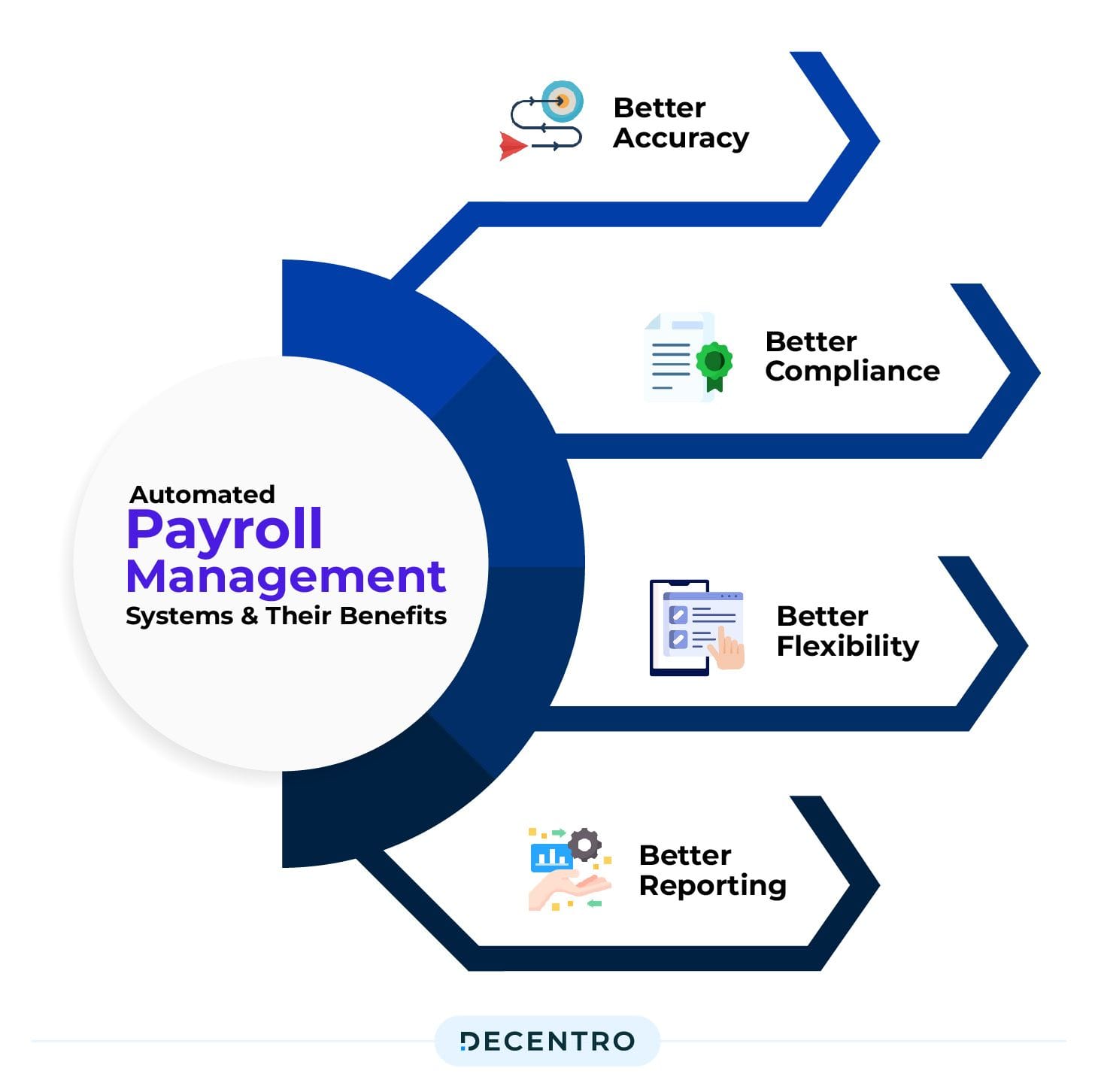
Setting Up Payroll and Running Your First Payroll
Configuring payroll involves defining pay schedules aligned with your organization’s cadence (weekly, biweekly, or semi-monthly), securely connecting funding bank accounts, and entering necessary tax jurisdiction information.
Rippling’s platform handles tax registrations and filings where applicable at federal, state, and local levels.
Running payroll follows a straightforward four-step process: initiate payroll, sync relevant employee data (including hours, status changes, and deductions), review system-generated anomaly flags powered by artificial intelligence, and approve the payment run.
Important Warning: Inaccuracies in tax jurisdiction details can precipitate severe fines and legal sanctions. It is imperative that a qualified finance professional or tax advisor reviews and approves all tax-related configurations before executing your organization’s first payroll.
AI-Powered Payroll Anomaly Detection
Rippling’s AI reviews your payroll run for deviations such as unexpectedly large bonuses or missing work hours, presenting flagged items prominently for review.
This proactive review function materially reduces the likelihood of payroll errors, protecting your business from compliance risk and reputational harm.
Automating Off-Cycle Pay and Bonuses
To process spot bonuses or other one-time payments outside the normal schedule, navigate to the employee’s profile and select Pay > Pay Single Bonus.
Rippling automates tax withholdings and fund transfers while maintaining a clean audit trail.
Estimated time investment: 2.5 hours (including testing and setup)
Section 4: Advanced Automation – The Workflow Automator
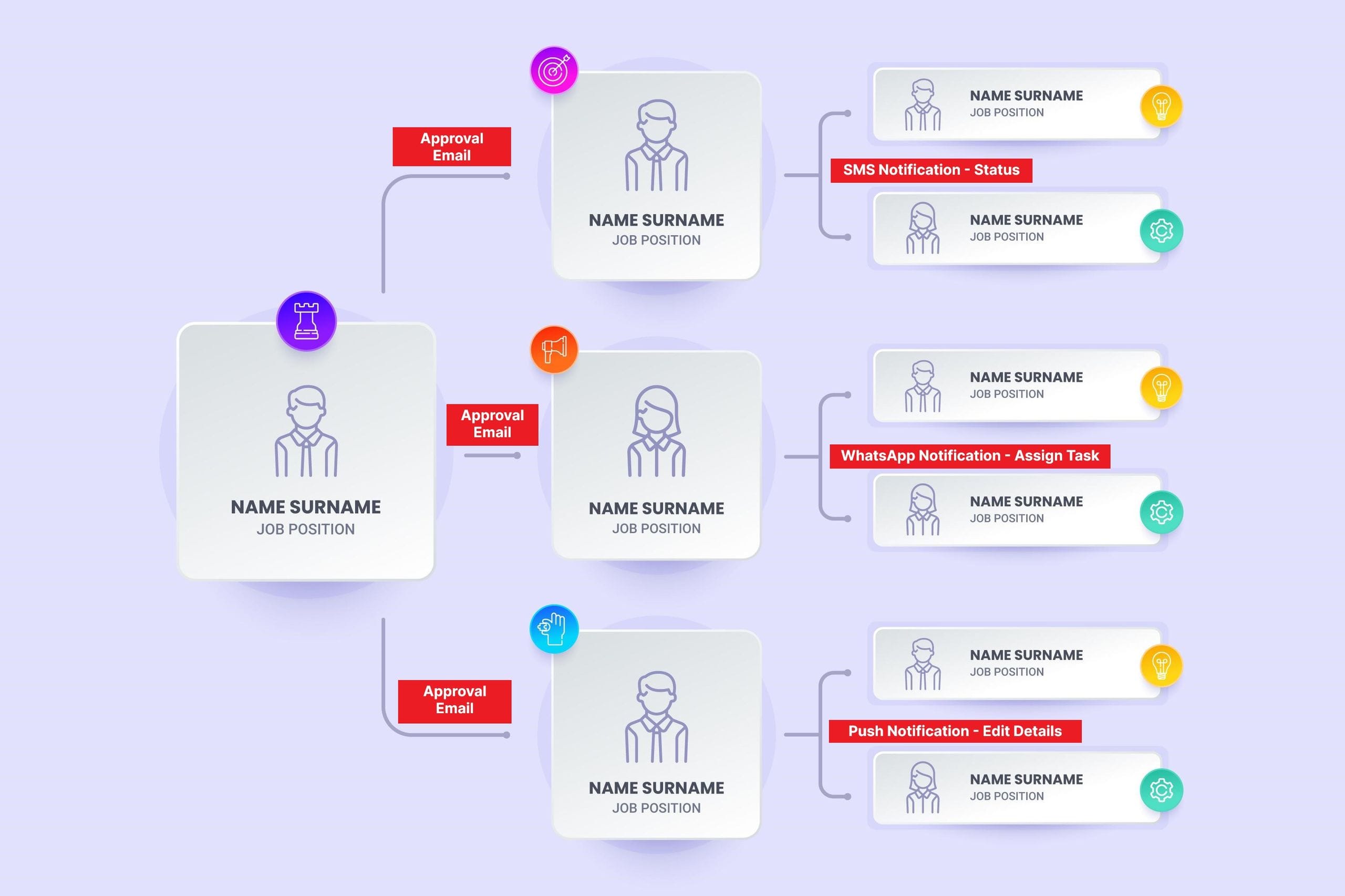
Building Your First Workflow: A Practical Example
The Workflow Automator enables the creation of customized business logic through a sequence of Trigger > Condition > Action steps, effectively orchestrating automated HR and IT processes.
Consider automating new hire swag delivery:
- Trigger: An employee record is created for a new hire.
- Action 1: Send an email to the new employee requesting their T-shirt size and shipping address.
- Action 2: Create a task assigned to the Office Manager to ship the swag.
This example illustrates key automation concepts yielding tangible operational benefits.
Advanced Use Case: Automating Promotions and Compensation Changes
Construct complex workflows incorporating conditional logic and multi-tier approval chains. For instance:
- Trigger: A manager submits a promotion request for a direct report.
- Approval 1: The request routes to the employee’s second-level manager.
- Conditional Logic: If the proposed salary exceeds the current job’s pay band maximum, initiate a secondary approval to the Finance department.
- Post-Approval: Upon final authorization, update the employee’s profile and trigger a webhook to your Learning Management System to enroll the employee in relevant management training.
Important Warning (Governance and Financial Risk): This workflow automates processes with direct financial and career implications. It is critical to rigorously test this workflow within a sandbox environment and obtain formal approval of the approval hierarchy from HR, Finance, and Legal teams before deployment. This ensures adherence to corporate policies and mitigates liability.
Estimated time investment: 2.5 hours
Strategic Use Case: Aligning Performance, Compensation, and Growth
Leveraging Automation and Rippling’s Talent Management modules, organizations can tie performance review outcomes directly to compensation workflows and individualized learning plans, embedding fairness and data-driven decision making across the employee lifecycle.
Section 5: Advanced Reporting and Analytics – From Data to Decisions
Building a Compensation Equity Report
Rippling’s Report Builder, utilizing pre-configured report recipes and custom calculated fields, empowers HR to analyze compensation data, identify equity gaps, and design targeted remediation strategies.
Step-by-step:
- Use the “Employees and Compensation” report recipe.
- Add columns:
Job Title,Department,Annual Salary, and your customPay Band Min/Max. - Create a calculated field
Compa-Ratio={Current Annual Salary} / {Pay Band Midpoint}. - Generate a
Pay Band Statusfield flagging salaries “Below Range,” “In Range,” or “Above Range.” - Group by department, gender, or ethnicity to detect systemic disparities.
Data Privacy Tip: Anonymize employee identifiers when sharing reports externally to maintain compliance with GDPR and CCPA privacy principles.
Professional Consultation Checkpoint: Given the significant legal and compliance implications of pay equity analyses, consult with qualified legal counsel or compensation specialists to validate methodologies and interpret findings. Expert involvement ensures compliance with evolving laws and safeguards against litigation risks.
Estimated time investment: 1.5 hours
Section 6: Use Case Implementation Framework
Implementation Approach Assessment
Decide between phased rollouts (e.g., deploying Core HR before Payroll) versus a big-bang launch.
Phased approaches lower risk and allow process refinement, whereas big-bang deployments expedite enterprise-wide transformation but demand more intensive upfront preparation. To understand the full scope of what you’re implementing, explore our guide on Best 10 Core HR & HRIS Automation solutions.
Resource Requirement Analysis
A typical implantation team includes an HR Administrator, Payroll Specialist, and IT liaison, with clearly defined responsibilities and time allocations throughout setup, testing, and training phases.
Workflow Integration Framework
Plan integrations with critical enterprise systems such as accounting platforms (NetSuite, QuickBooks, Xero), Learning Management Systems (LMS), and Identity Providers (Okta, Azure AD).
Challenge and Solution Catalog
Prepare for common pitfalls, such as inconsistent employee data quality or slow management adoption of self-service portals.
Develop robust communication and training plans to mitigate these risks.
Section 7: Outcome Measurement Framework
Implementation Success Metrics
Track key performance indicators, including:
- Time saved on administrative tasks (hours per month)
- Reduction in payroll errors and compliance incidents
- Employee self-service adoption rates
- New hire time-to-productivity
ROI Calculation Methodologies
A preliminary ROI formula is:
ROI = (Time Saved x Fully-Loaded Cost of HR Administrator) - Rippling Subscription Cost
However, for authoritative business cases, comprehensive Total Cost of Ownership (TCO) analyses should incorporate implementation expenses, training overhead, integration costs, and risk mitigation benefits.
We strongly recommend collaborating with financial analysts or HR consultants to develop an accurate model tailored to your organization.
Performance Monitoring
Schedule regular delivery of critical reports (compensation equity, headcount trends) to stakeholders to maintain transparency and continued executive support.
Section 8: YMYL – Critical Security and API Best Practices
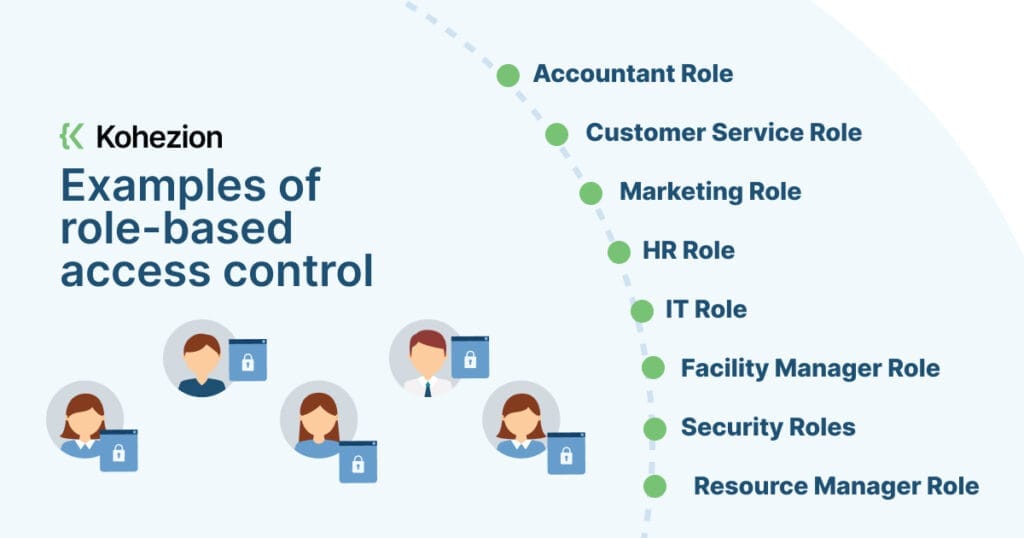
Mastering Role-Based Access Control (RBAC)
RBAC constitutes your most effective internal security mechanism. Create finely tuned roles under Settings > Roles and Permissions to restrict access on a least-privilege basis.
For example, HR Coordinators should not access PII-sensitive fields like Social Security Numbers or executive compensation data. Periodically audit role assignments to ensure ongoing compliance.
Professional Tip: Integrate Rippling with your corporate Single Sign-On (SSO) provider, such as Okta or Microsoft Azure AD. This centralizes authentication and authorization, allowing enforcement of enterprise-grade security policies like mandatory Multi-Factor Authentication (MFA) across all users.
API and Webhook Security (2025 Best Practices)
When developing API integrations:
- Apply the Principle of Least Privilege; generate API keys with narrowly scoped permissions.
- Use secure authentication protocols like OAuth 2.0.
- Always verify webhook signatures (e.g., via the
Rippling-Signatureheader) to safeguard against spoofed requests. - Avoid hardcoding API keys; use secure secrets management.
Important Warning: Security misconfigurations—such as overly broad permissions or exposed API credentials—pose severe data breach risks, especially in YMYL contexts. Collaborate with your IT security team to review RBAC policies and API integration plans prior to deployment.
Estimated time investment: 1 hour
Frequently Asked Questions About Rippling Tutorials and Usecase
What is the biggest advantage of Rippling’s ‘Unified Data Model’ compared to other HRIS?
The primary advantage is the elimination of redundant data entry. Rippling’s architecture stores each employee record a single time, and intelligently propagates updates across all connected HR, IT, and payroll systems. This ensures consistency, reduces manual errors, and streamlines workflows.
How much time can Rippling realistically save our HR team?
Time savings vary based on organizational size and complexity, but Rippling’s automation capabilities significantly reduce manual data entry and reconciliation tasks. Efficiency gains arise primarily from streamlined onboarding, payroll processing, and workflow automation, contributing to meaningful productivity improvements.
How does Rippling ensure the security of our sensitive employee data?
Rippling employs multiple layers of security including enterprise-grade infrastructure, SOC 2 Type II compliance, data encryption at rest and transit, granular Role-Based Access Controls, and integration with corporate Single Sign-On (SSO) providers supporting MFA enforcement.
While Rippling complies with GDPR and CCPA regulations, it is not currently ISO 27001 certified.
Can Rippling’s Workflow Automator handle complex, multi-step approvals?
Yes, the Workflow Automator supports sophisticated conditional logic, multi-level approval chains, and integration with external systems via webhooks, enabling automation of sensitive processes such as promotions and compensation changes with a full audit trail.
How is Rippling priced and what is the typical ROI?
Rippling uses a per-employee-per-month (PEPM) pricing model with additional implementation costs.
The ROI arises from measurable reductions in administrative labor, prevention of payroll errors, and mitigation of compliance risk. For rigorous ROI analysis, consider a comprehensive TCO model with professional financial consultation.
What is the most common issue when running payroll in Rippling and how do I fix it?
The most frequent problem stems from incorrect employee data, such as inaccurate Social Security Numbers or bank account details.
To resolve, update employee profiles accordingly and re-sync data before processing payroll.
How does Rippling compare to solutions like Gusto or BambooHR?
- Gusto: Excels as a payroll-first platform ideal for small U.S.-based businesses; lacks deep native HRIS and integrated IT management.
- BambooHR: Provides a strong HRIS and onboarding experience but relies heavily on third-party integrations for payroll and IT functions, creating potential synchronization challenges.
- Rippling: Offers an integrated Unified Workforce Platform combining HR, IT, and Finance into a single cohesive system, enabling cross-functional automation and control over application provisioning, payroll, and compliance with a single source of truth.
For a detailed comparison, check out our guide on Rippling Top Alternatives and Competitors. For more frequently asked questions, visit our comprehensive Rippling FAQs page.
What is the first step in getting started with Rippling?
Focus on accurately establishing your organizational structure within Rippling’s foundational settings.
This includes defining legal entity information, departments, job titles, and work locations. Proper setup here catalyzes all subsequent automation and compliance processes.
Conclusion
Mastering Rippling entails more than learning a new software—it embodies a strategic realignment of the HR function.
By embracing a unified data model, organizations eradicate inefficient manual processes and reduce costly errors. More importantly, tools like the Workflow Automator enable codification of fair, compliant, and auditable business processes.
With deliberate planning, a rigorous security posture, and professional validation at every step, you can transform your HR team from a paperwork-driven cost center to a strategic partner that delivers actionable insights, equitable employee experiences, and sustainable business value.
Proceed thoughtfully to unlock the full potential of Rippling’s advanced automation capabilities.
Important Disclaimers:
Technology Evolution Notice:
This article reflects our extensive research and testing as of 2025. Given the rapid evolution of AI and HR technology, features, pricing, and compliance frameworks may change. We recommend verifying all specifics through official vendor channels.
Professional Consultation Recommendation:
Due to the significant professional, financial, and legal consequences associated with HR systems, we strongly advise engaging qualified HR, legal, and finance professionals when implementing or configuring AI HR platforms like Rippling.
Testing Methodology Transparency:
Our evaluations are based on hands-on testing, current documentation, and standard practices. Individual implementation experiences may vary.





Leave a Reply