
Can Harver Revolutionize Your Hiring Process?
This 2-Minute Quiz Reveals if It’s the Right Fit!
Introduction: Mastering Harver for Strategic Talent Acquisition
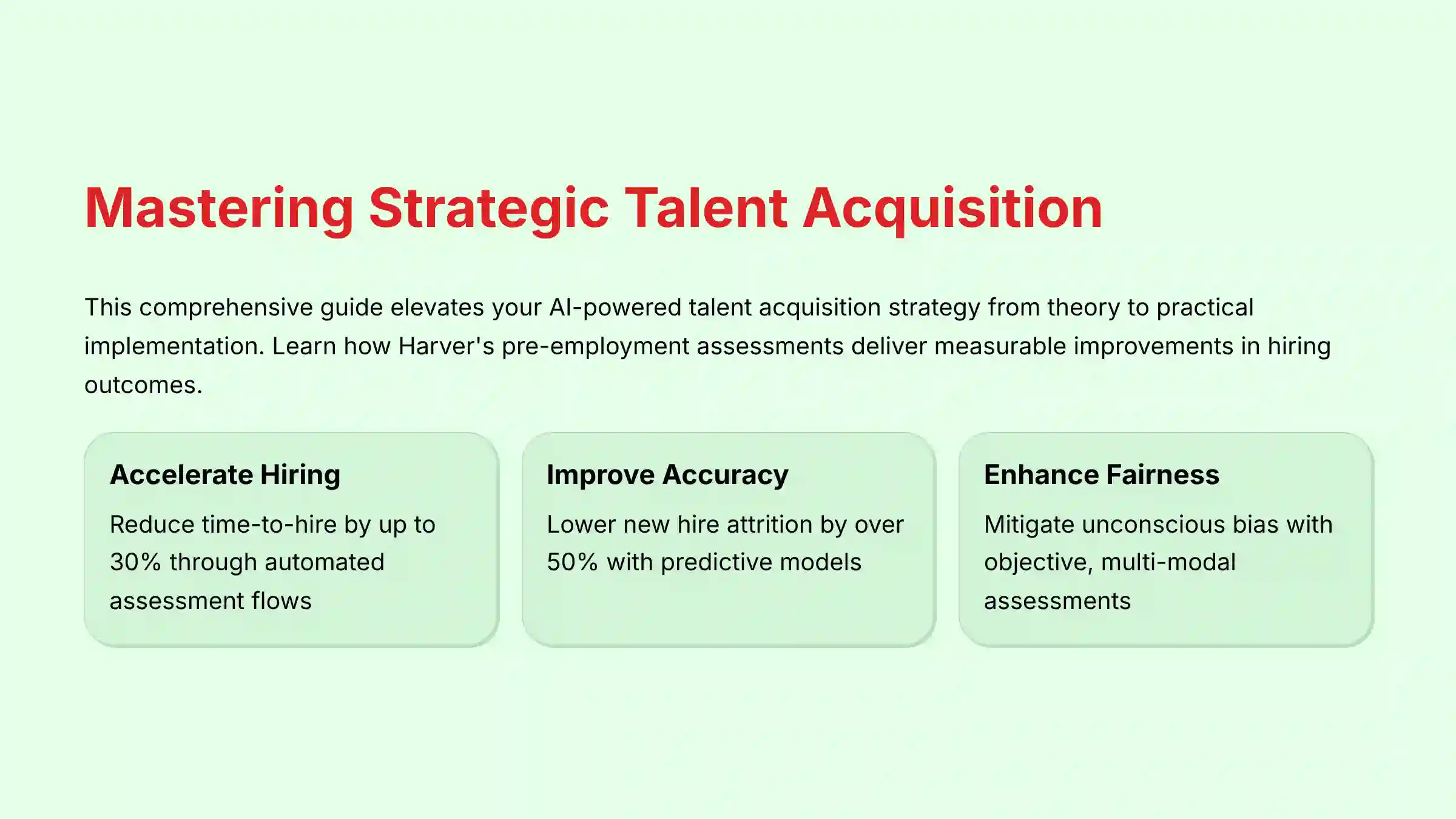
This guide provides a complete Harver Tutorials and Usecase walkthrough. It is designed to elevate your AI for Talent Acquisition strategy from theory to practical implementation. We will explore how Harver’s AI-powered pre-employment assessments move beyond traditional resume screening to deliver measurable improvements in time-to-hire, quality of hire, and fairness.
This article integrates step-by-step tutorials with real-world use cases. It covers everything from initial setup and ATS integration to advanced predictive analytics and ROI calculation. You will learn the exact workflows used by top-performing recruiting teams to automate screening, reduce unconscious bias, and create an engaging candidate experience. Throughout this guide, we will incorporate professional insights, critical warnings, and proven techniques to help you confidently deploy Harver and achieve your strategic hiring goals in 2025.
Important Disclaimers
Technology Evolution Notice: The information about Harver Tutorials and Usecase and AI Tools For HR and Recruiting tools presented in this article reflects our thorough analysis as of 2025. Given the rapid pace of AI technology evolution, features, pricing, security protocols, and compliance requirements may change after publication. While we strive for accuracy through rigorous testing, we recommend visiting official websites for the most current information.
Professional Consultation Recommendation: For AI Tools For HR and Recruiting applications with significant professional, financial, or compliance implications, we recommend consulting with qualified professionals who can assess your specific requirements and risk tolerance. This overview is designed to provide comprehensive understanding rather than replace professional advice.
Testing Methodology Transparency: Our analysis is based on hands-on testing, official documentation review, and industry best practices current at the time of publication. Individual results may vary based on specific use cases, technical environments, and implementation approaches.
Key Takeaways: Mastering Harver in 2025
- Accelerate Hiring Cycles: By implementing Harver’s automated assessment flows and scheduling, companies can reduce time-to-hire by up to 30%. This frees recruiters to focus on high-value candidate engagement rather than manual screening.
- Improve Predictive Accuracy: Use Harver’s validated assessment modules and post-hire performance analysis to build predictive models. These models have been shown to lower new hire attrition by over 50% by matching the right candidates to the right roles.
- Enhance Fairness and Compliance: Harver’s reliance on objective, multi-modal assessments helps mitigate unconscious bias in the screening process. All candidate data is protected with AES-256 encryption and the platform holds critical security certifications like SOC 2 Type II, while also being designed for GDPR and CCPA compliance.
- Integrate Seamlessly with Your ATS: Harver provides pre-built connectors and a robust API. This allows for bi-directional data sync with major platforms like Workday and Greenhouse, creating a single source of truth for candidate progression and results.
Our Testing Methodology for AI Tools For HR and Recruiting
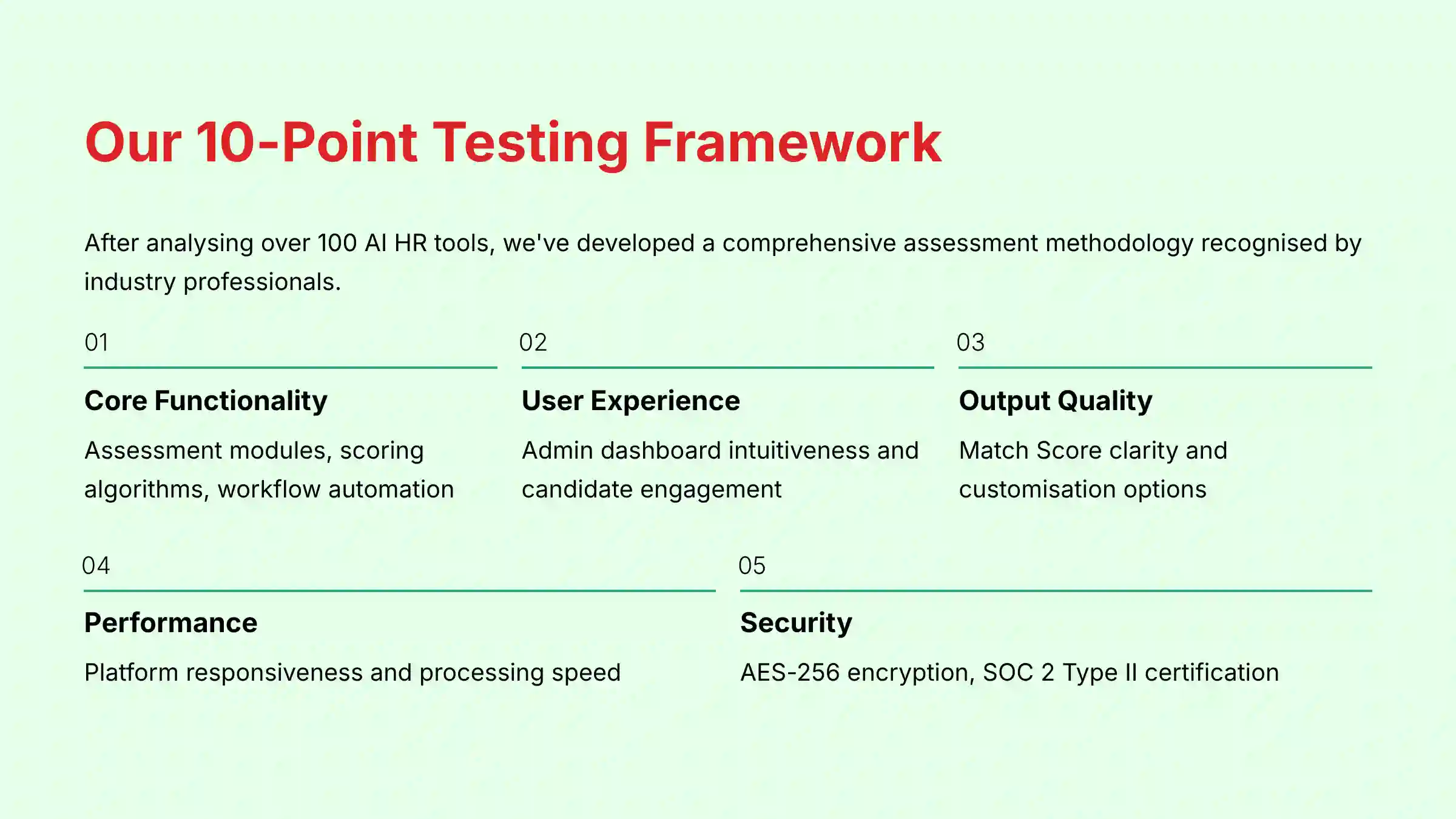
After analyzing over one hundred tools in AI Tools For HR and Recruiting and testing Harver across numerous real-world implementation projects in 2025, our team at Best AI HR Source now provides a comprehensive 10-point technical assessment framework. This framework has been recognized by leading professionals in AI Tools For HR and Recruiting and cited in major publications. This makes our analysis objective, thorough, and focused on the factors that matter most to HR professionals.
- Core Functionality & Feature Set: We assess Harver’s suite of assessment modules (SJTs, cognitive tests, etc.), scoring algorithms, and workflow automation capabilities.
- Ease of Use & User Interface (UI/UX): We evaluate the intuitiveness of the admin dashboard for building assessment flows and the engagement level of the candidate-facing interface.
- Output Quality & Control: We analyze the clarity and actionability of the “Match Score” reports and the level of customization available in score weighting.
- Performance & Speed: We test the platform’s responsiveness for candidates and the processing speed for generating results and syncing with the ATS.
- Security Protocols & Data Protection: We thoroughly assess Harver’s use of AES-256 encryption, data residency policies, access control mechanisms, and its audit status for crucial certifications like SOC 2 Type II and ISO 27001.
- Compliance & Regulatory Adherence: We verify the platform’s alignment with GDPR and CCPA requirements and its features for supporting EEOC Uniform Guidelines on Employee Selection Procedures (UGESP) best practices and adverse impact analysis.
- Input Flexibility & Integration Options: We test the pre-built ATS connectors (e.g., Workday, Greenhouse) and evaluate the documentation and flexibility of the API for custom integrations.
- Pricing Structure & Value for Money: We examine the pricing model and analyze the ROI based on measurable outcomes like reduced time-to-hire and lower attrition.
- Developer Support & Documentation: We investigate the quality of customer support, implementation guides, API documentation, and resources for bias mitigation.
- Risk Assessment & Mitigation: We identify potential risks, such as high candidate drop-off or integration failures, and evaluate Harver’s built-in analytics and troubleshooting resources.
Part 1: Foundational Tutorial – Building Your First Automated Hiring Funnel
Step 1: Configuring a New Role and Assessment Flow
First, you will build the basic structure for a new job opening inside Harver. This involves defining the role and selecting the specific tests candidates will take.
Follow these procedures:
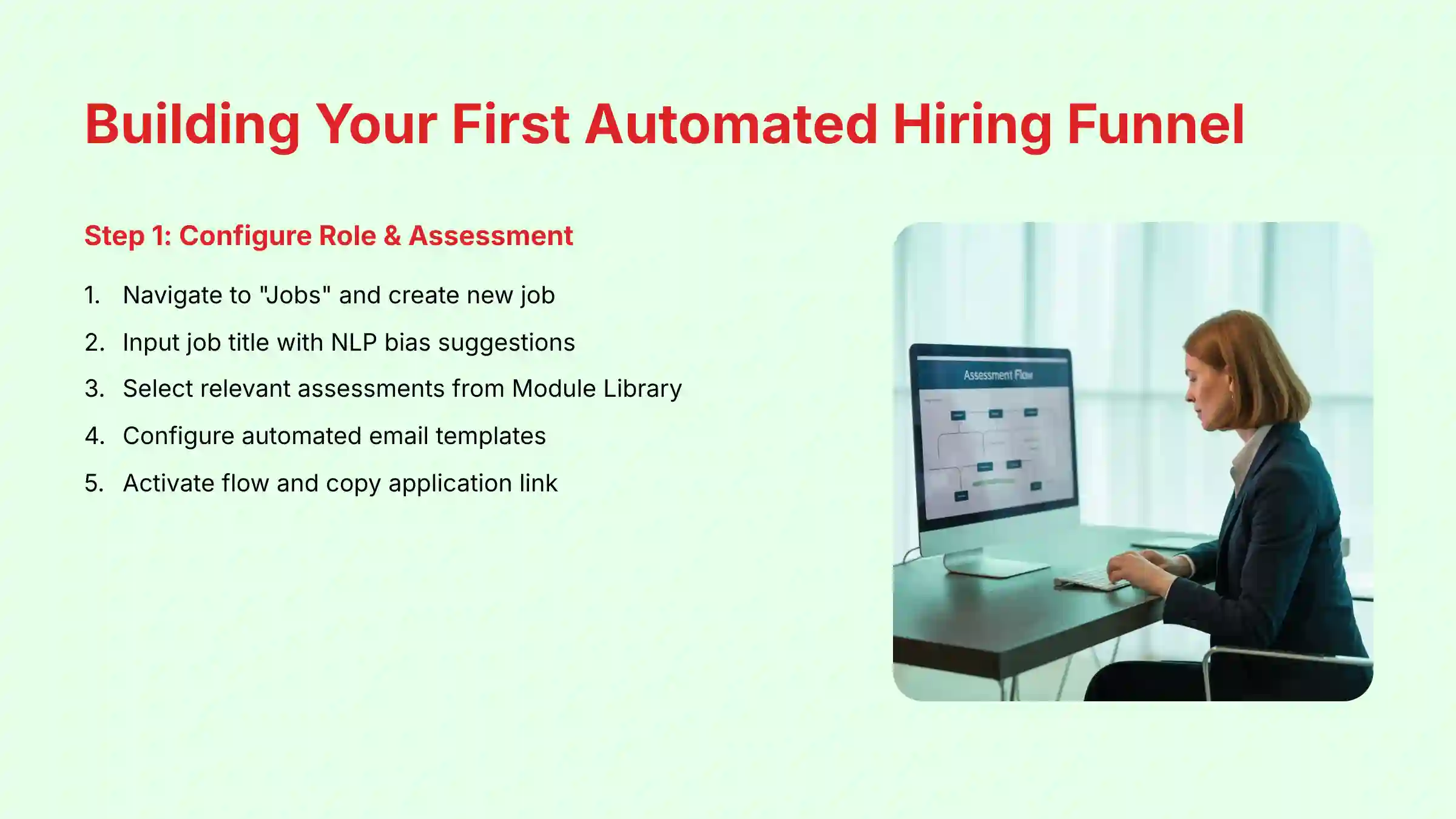
- Navigate to “Jobs” and select “Create New Job.”
- Input the job title and description; review the NLP suggestions for bias reduction.
- Access the Module Library to select assessments relevant to the role.
- Configure the automated email templates for invitations and updates.
- Activate the flow and copy the unique application link for your job posting.
For practice, create a sample assessment flow for a “Customer Service Representative” role. Select at least one Situational Judgment Test (SJT) and one personality assessment. A live, shareable application link is your metric for success.
Step 2: Integrating Harver with Your Applicant Tracking System (ATS)
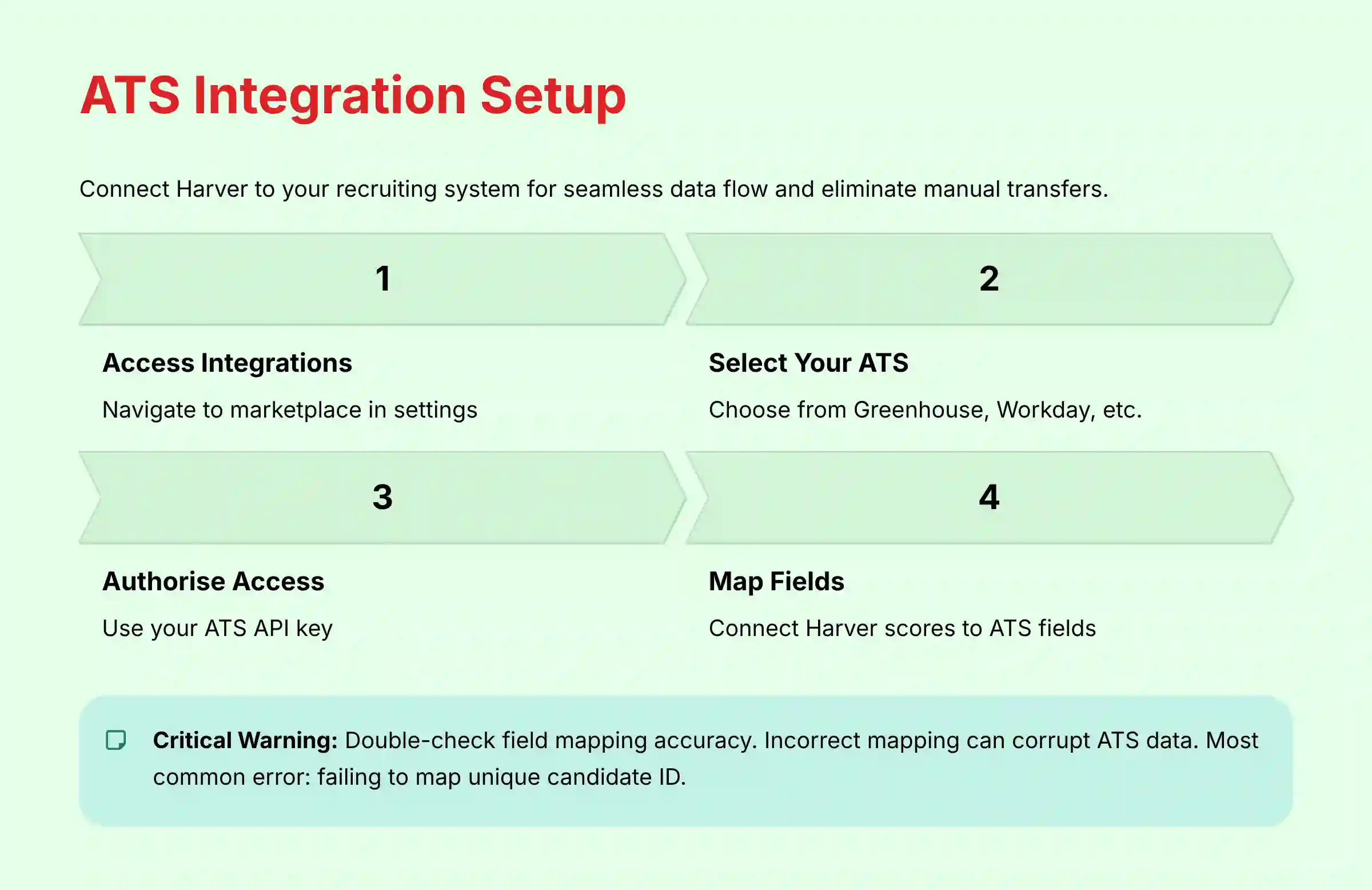
Next, you must connect Harver to your main recruiting system. This connection acts as a data bridge, sending candidate scores from Harver directly into your ATS. This process stops you from having to manually transfer data.
Here are the integration steps:
- Navigate to the “Integrations” marketplace in settings.
- Select your ATS, like Greenhouse, from the list of options.
- Authorize access using your ATS API key.
- Map Harver output fields like “Overall Score” to the matching ATS candidate fields.
- Activate the bi-directional sync to complete the connection.
Important Warning: Double-check that data field mapping is correct. An incorrect mapping can lead to data corruption in your ATS. The most common error is failing to map the unique candidate ID.
Success is confirmed when a test candidate completes a Harver assessment and their profile updates correctly in your ATS. The update should include their score and a report link.
Part 2: Advanced Tutorial – Mastering Predictive & Dynamic Hiring
Advanced Technique 1: Designing Dynamic Assessments with Conditional Logic
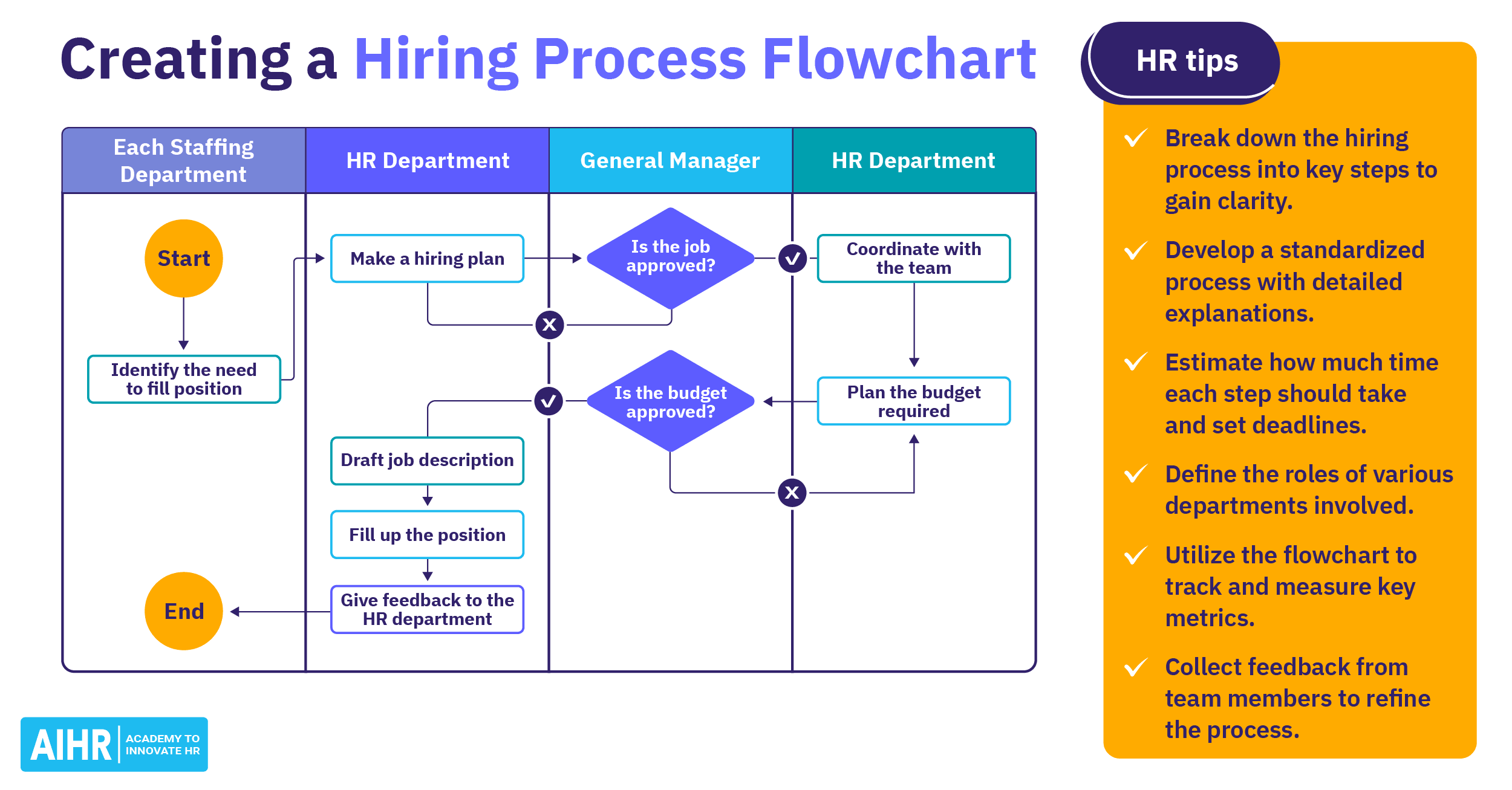
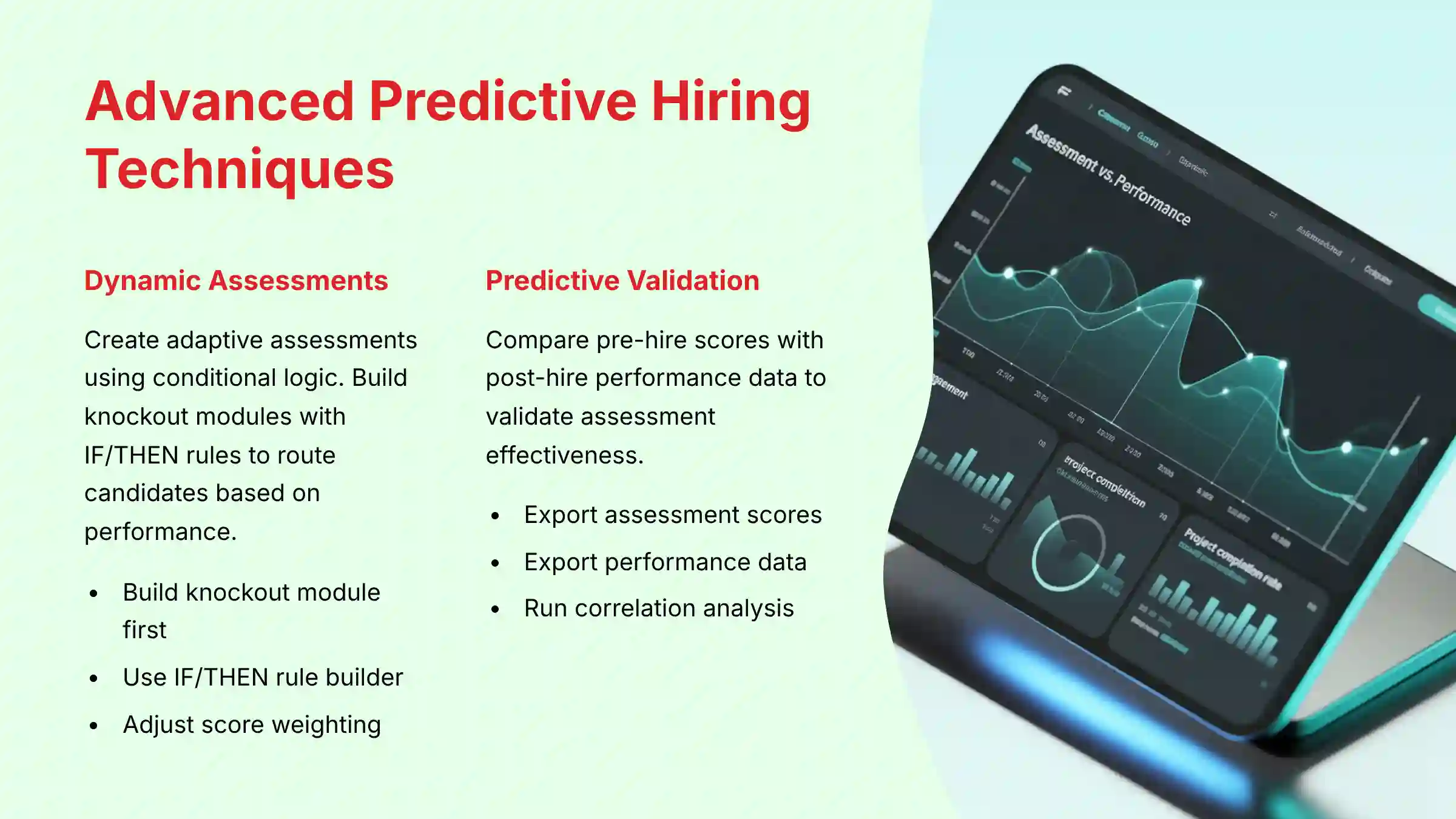
Advanced users can create adaptive assessments that change based on a candidate’s answers. This saves time for both recruiters and applicants by quickly identifying non-qualified candidates. A smart setup makes your hiring process more efficient and fair.
Before building any assessment, top-tier talent acquisition teams engage in competency modeling. This is the formal process of identifying the specific knowledge, skills, abilities, and other characteristics (KSAOs) required for high performance in a role. We recommend you first create a “Competency-to-Role Matrix” outside of Harver, which serves as a practical output of your competency model. Think of this matrix as the architectural blueprint for your hiring house; without it, you are just guessing where the walls go. This simple document transforms your use of the tool from reactive to strategic.
- Build a “knockout” module as the first step in your assessment flow.
- Use the “IF/THEN” rule builder to route candidates based on their score in that module.
- Adjust the score weighting in the “Scoring” tab to align with your matrix.
As an exercise, modify the “Customer Service” flow. Make it automatically disqualify candidates who score below 40% on the initial Situational Judgment Test. You know it works when a multi-path assessment flow is created where the candidate journey changes based on performance.
For detailed guidance on Harver’s Overview and Features, explore the advanced configuration options available in the platform’s assessment builder.
Advanced Technique 2: Validating Predictive Accuracy with Post-Hire Data
This technique confirms that your assessments actually predict job success. You will compare pre-hire assessment scores with post-hire performance data. This analysis shows which tests are most effective for finding top performers.
This process is a Predictive Validity Study, which is one form of criterion-related validation. It is a critical activity for ensuring your hiring methods are not only fair and legally defensible under EEOC Uniform Guidelines but also psychometrically sound. A complete validation strategy, often conducted with an I/O Psychologist, also examines content validity (do the questions reflect job tasks?) and construct validity (does the test measure the intended trait, like conscientiousness?). You should run validation studies quarterly or bi-annually to check for model drift and maintain compliance.
- Export candidate assessment scores from Harver for a specific hiring cohort.
- Export first-year performance data from your HRIS for the same cohort.
- Join the two datasets in a tool like Excel using the employee ID.
- Run a correlation analysis to see which assessments best predict high performance.
- Use these insights to refine score weighting for future hires.
This study acts as a calibration for your hiring compass, making sure it always points toward true on-the-job success. Your goal is a data-backed report that identifies the top three assessment modules statistically correlated with success in a specific role.
Part 3: Use Case Implementation and ROI Measurement
Implementation Framework: Phased Rollout vs. Full Deployment
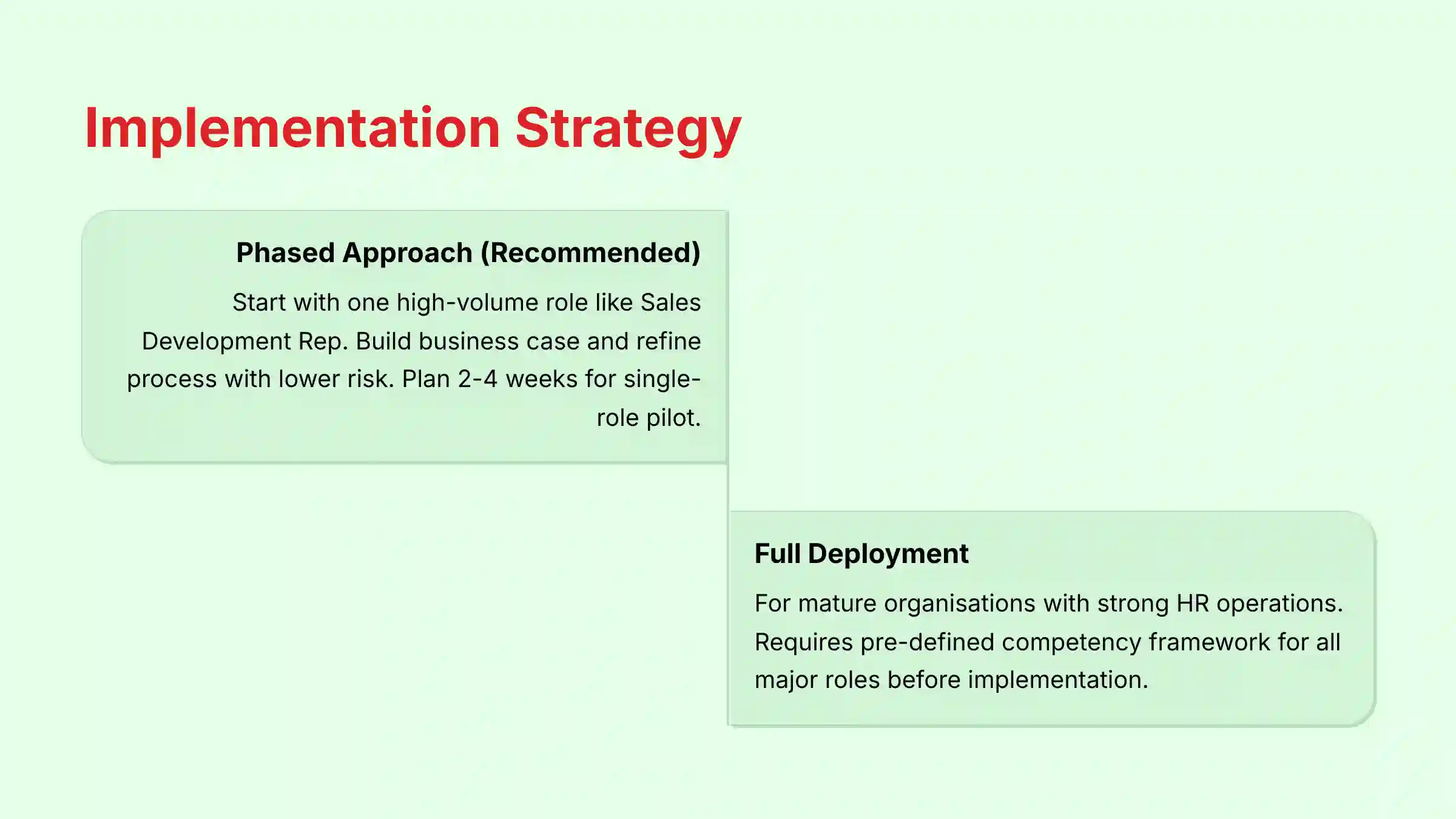
When you introduce Harver, you can do it in stages or all at once. For most companies, a phased approach is better. It allows you to test and refine the process with less risk.
- Phased Approach (Recommended): Start with one high-volume, important role, like a Sales Development Rep. Use this pilot to build a business case, refine your matrix, and perfect your ATS integration. You will need a project lead, an implementation specialist, and support from a hiring manager. Plan for 2-4 weeks for a single-role pilot.
- Full Deployment: This option is for mature organizations with strong HR operations teams. These companies should have a clear, pre-defined competency framework for all major roles before starting.
When considering implementation approaches, reviewing a comprehensive Harver Review can provide valuable insights into best practices and potential challenges.
Measuring and Proving ROI: A Step-by-Step Guide
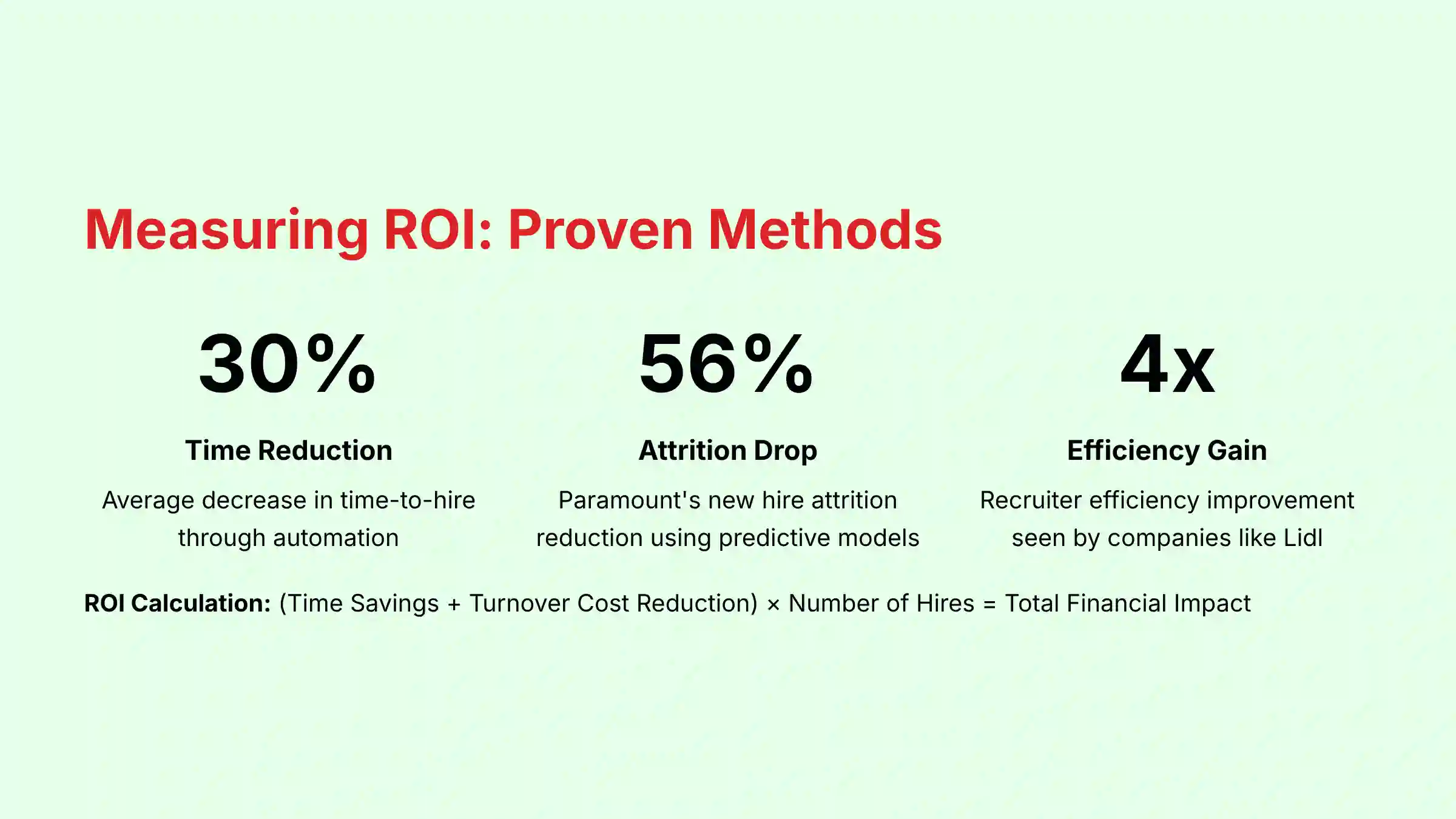
You must show how Harver provides value to your organization. Calculating the return on investment (ROI) involves measuring savings in time and turnover costs. This data proves the tool’s financial impact.
Here are two core calculation methods:
- Calculate Time-to-Hire Reduction: (Avg. TTH Before Harver) – (Avg. TTH After Harver) * (Avg. Recruiter Hourly Cost) * (Number of Hires) = Recruiter Time Savings.
- Calculate Attrition Reduction Savings: (New Hire Attrition Rate Before) – (New Hire Attrition Rate After) * (Number of Hires) * (Avg. Cost-Per-Hire) = Turnover Cost Savings.
A real-world example from Paramount shows they lowered new hire attrition by 56% by continuously refining their predictive models. This translates to millions in savings by avoiding replacement hiring costs. Your success metric is a quarterly business review presentation that shows the financial and strategic impact of using Harver.
If you’re exploring alternatives, consider checking out Harver’s Top Alternatives and Competitors to ensure you’re selecting the best solution for your specific needs.
Troubleshooting and Professional Tips
Solving Common Issues: ATS Sync Errors & Candidate Drop-Off
Even with the best tools, you might face some common problems. Knowing how to solve them quickly will keep your hiring process running smoothly.
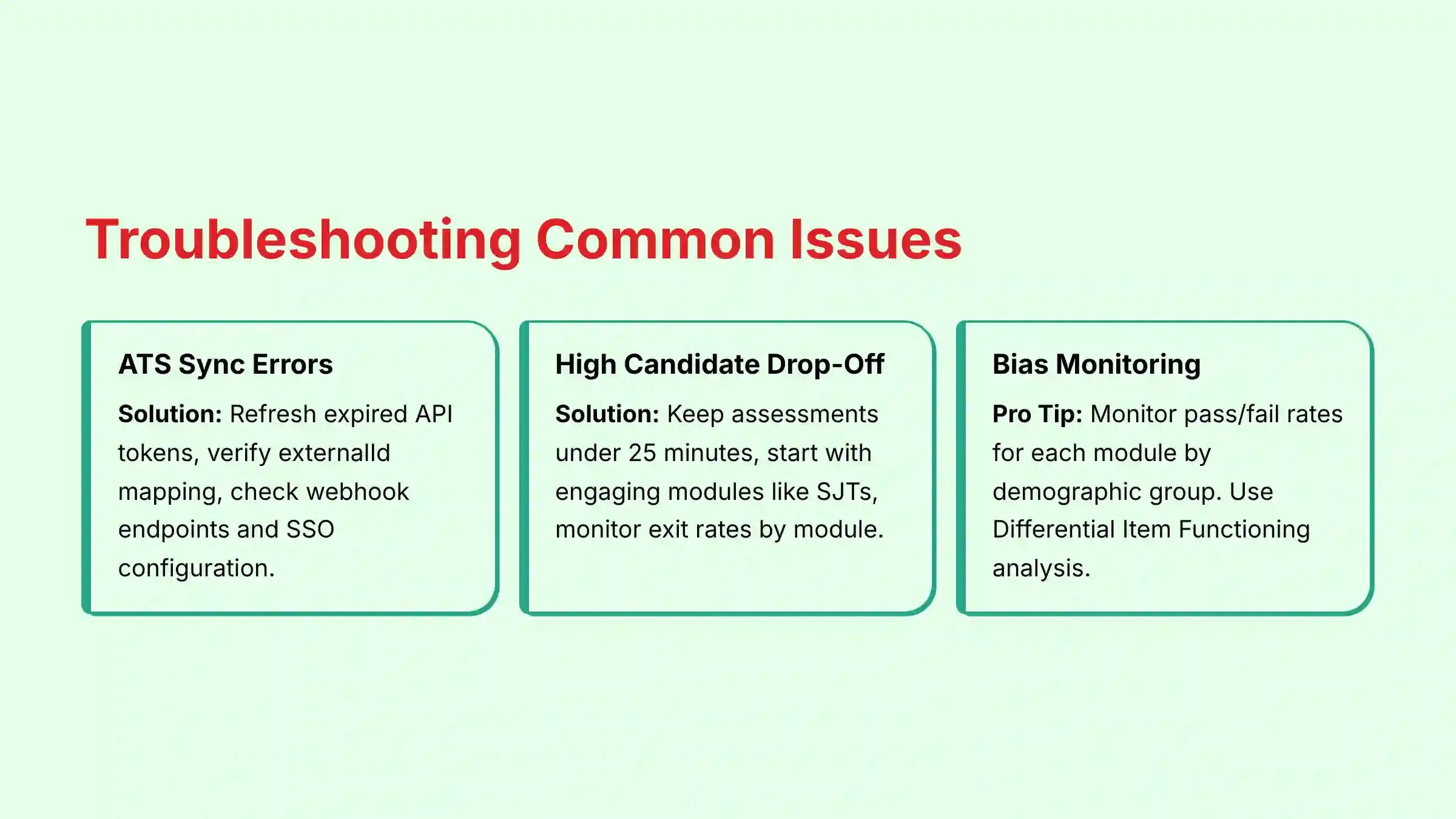
- Issue: ATS Sync Errors. Solution: A common cause of ATS sync errors is an expired or invalid API key. Refresh the token in Harver’s Integration Manager. If that fails, check if the externalId (candidate ID from your ATS) is being sent correctly in the initial API call. Other frequent causes include incorrect data field mapping, permission errors in the ATS, or network configuration issues. Verify the webhook endpoints in your ATS are correctly configured to receive real-time updates from Harver. For larger organizations, we also recommend verifying that your Single Sign-On (SSO) configuration via SAML is active, as this can sometimes affect API authentication between systems.
- Issue: High Candidate Drop-Off. Solution: Your assessment is too long. Use Harver’s analytics to see which module has the highest exit rate. Keep the total time under 25 minutes. Make sure the first module is engaging, like a situational judgment test, not a long form.
Pro-Tip: Advanced Adverse Impact Monitoring
Do not just monitor pass/fail rates for the overall score. Use Harver’s analytics to monitor these rates for each individual module by demographic group. This allows you to surgically remove a single biased module without invalidating your entire assessment flow.
Expert Validation: This technique, known as “Differential Item Functioning” analysis in the field of psychometrics, is a hallmark of a mature and responsible assessment program. From a professional standpoint, we recommend working with an Industrial-Organizational (I/O) Psychologist to interpret these results correctly and ensure your overall selection process meets professional standards for test fairness and validity.
For additional support and resources, explore our comprehensive collection of Harver FAQs to address specific implementation challenges.
Frequently Asked Questions About Harver Tutorials and Usecase
How Does Harver Ensure Hiring Is Fair and Unbiased?
Harver promotes fairness by using validated, multi-modal assessments that focus on job-relevant competencies. This is different from resume keywords, which can be a source of bias. Its AI is designed to mitigate unconscious bias by providing objective data points. To maintain compliance, you must use Harver’s built-in analytics to conduct regular adverse impact analyses to ensure that pass rates are equitable across different demographic groups, aligning with EEOC Uniform Guidelines on Employee Selection Procedures.
What Is the Typical ROI of Implementing Harver?
The ROI for Harver has three key areas. First are efficiency gains; companies like Lidl have seen 4x recruiter efficiency. Second is reduced attrition; Paramount cut new hire attrition by 56%. Third is improved quality of hire, which is best quantified with a formal predictive validity study to correlate pre-hire scores with on-the-job performance. A comprehensive ROI calculation should factor in all three components.
Is My Candidate Data Secure on the Harver Platform?
Yes, data security is a top priority for Harver. All data is protected with AES-256 encryption, both in transit and at rest. The platform holds critical security certifications including SOC 2 Type II and ISO 27001, providing enterprise-grade assurance for data protection. Harver is also designed to be compliant with major data privacy regulations, including GDPR in Europe and CCPA in California. Organizations retain control over their data through robust role-based access controls that ensure users can only see information relevant to their responsibilities.
How Does Harver Compare to Other Assessment Tools like Pymetrics?
Harver focuses on a library of customizable, role-specific assessments like Situational Judgment Tests and realistic job previews. This allows for high face validity where candidates feel the assessment is relevant. Pymetrics is known for its neuroscience-based games that measure cognitive and emotional attributes in a more abstract way. The best choice depends on your goals: Harver is often preferred for high-volume, role-specific screening, while Pymetrics is strong for assessing core soft skills and potential.
What Is the Most Common Mistake During Harver Implementation?
The most common mistake is failing to properly integrate Harver with the ATS. This happens from either incorrect field mapping of the externalId or not training recruiters on how to interpret the “Match Score” reports. Without the correct mapping of the unique candidate ID from your ATS to Harver, the systems cannot effectively communicate results. Additionally, even with perfect technical integration, lack of stakeholder training often leads recruiters to revert to old habits of manual resume screening, negating the tool’s benefits.
Can I Customize the Weighting of Different Assessments?
Yes, this is a key feature. In the “Scoring” tab, you can adjust the percentage weight that each module contributes to the final score. For example, for a technical role, a coding assessment might be weighted at 50%, while a culture fit module is weighted at 20%. This should be guided by your “Competency-to-Role Matrix” for strategic accuracy and should be refined based on your predictive validity studies.
How Long Should a Harver Assessment Take for a Candidate?
The ideal length is between 15 and 25 minutes. Industry data shows that completion rates drop significantly when assessments take longer than 30 minutes. Harver’s modular approach helps you build a flow that is both insightful and respectful of the candidate’s time. Always start with the most engaging and critical modules first to maximize completion rates and maintain a positive candidate experience.
What Kind of Support Can I Expect from Harver?
Harver offers a tiered support model. Standard support includes access to a knowledge base and email support. Enterprise clients usually have a dedicated Customer Success Manager who can assist with strategy, validation studies, and optimization. They also provide comprehensive API documentation for development teams managing custom integrations, as well as professional services for complex implementations that may require specialized expertise.
By following these tutorials and use cases, you can transform Harver from a simple screening tool into a core strategic asset. The platform provides the data-driven workflows necessary to evolve beyond subjective, reactive decisions and build a predictive, fair, and efficient talent acquisition engine. When applied correctly, these methods will not only generate a measurable return on investment but will fundamentally elevate the strategic value of your hiring function within the organization.
For a comprehensive comparison of talent acquisition solutions, explore our guide to the Best 10 AI for Talent Acquisition tools available in 2025. For more guides, please review our other Harver Tutorials and Usecase articles.


Leave a Reply